
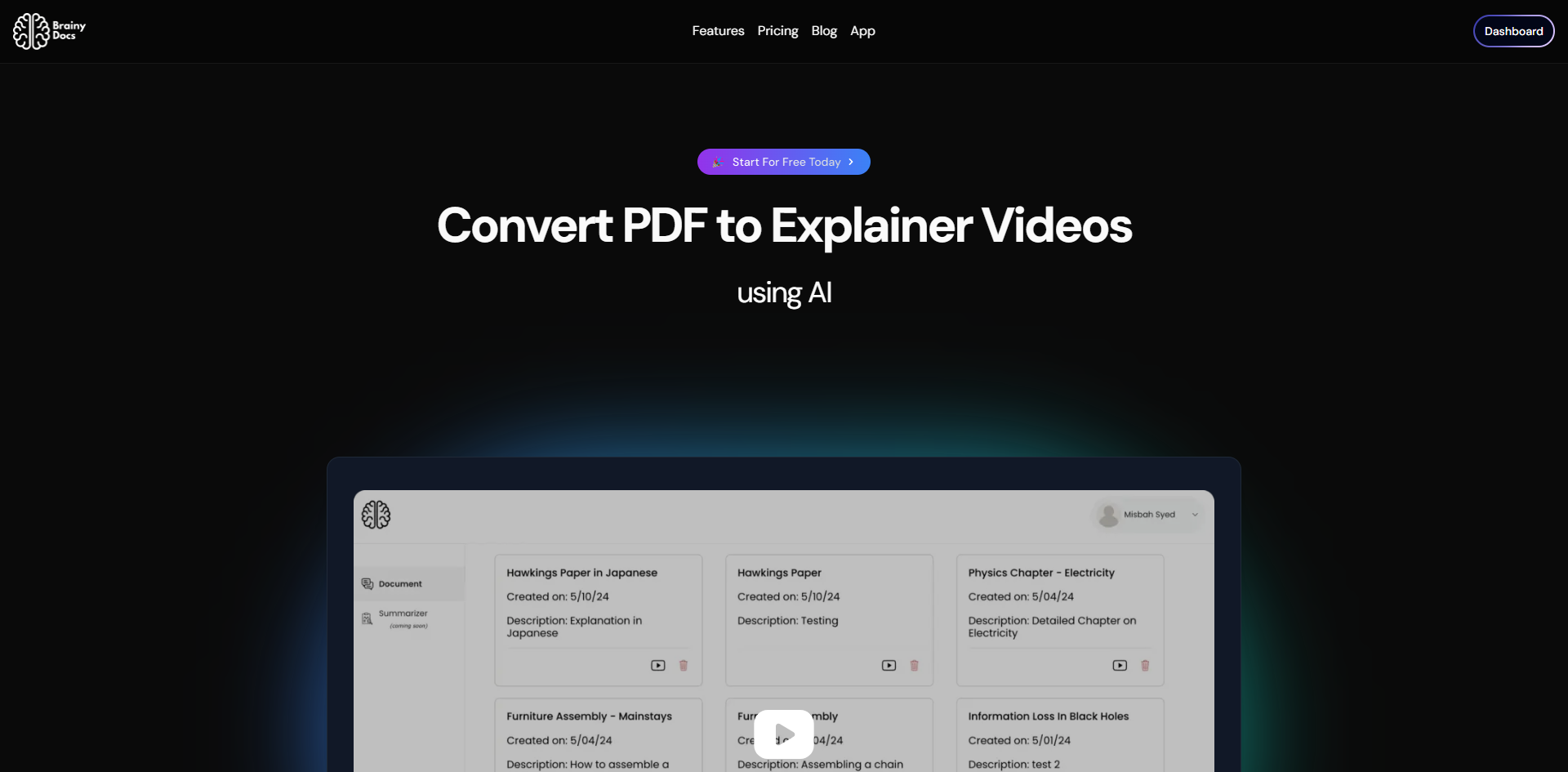
Transform PDFs into engaging videos with Brainy Docs AI.
Brainy Docs offers a service that uses advanced AI to transform PDF documents into engaging explainer videos. Users can simplify presentations and make complex information more accessible with this tool. The process is straightforward, involving selecting the PDF, customizing the output, and generating the video. The final product can be downloaded in various formats for different platforms.
Tags:
#AI-powered#Explainer videos#Simplify presentations#PDF transformation
FeaturedSubmit Website
- houniao.city

- nextdoor.luokelong.net

- alertbot.com

- quiz.luokelong.net

Target Audience
Brainy Docs appears to be primarily designed for professionals, educators, marketers, and content creators who need to communicate information from PDF documents in a more dynamic and accessible format. This includes individuals who regularly create presentations, educational materials, marketing collateral, or training modules. The core value proposition is the transformation of static PDF content into engaging explainer videos, suggesting that users who struggle with the limitations of traditional document formats or seek to improve audience comprehension and retention would find this service particularly beneficial.
The emphasis on simplifying presentations and making complex information accessible indicates that individuals dealing with lengthy reports, technical manuals, academic papers, or intricate data sets will likely be the core user base. Furthermore, the mention of multilingual capabilities suggests that international users or those aiming for a global audience are also a key consideration for Brainy Docs.
Key Highlights
The most prominent highlight of Brainy Docs is its AI-powered PDF-to-explainer-video transformation. This core functionality allows users to convert static PDF documents into dynamic video content, significantly enhancing engagement and comprehension. The service promises a straightforward, three-step process: selecting a PDF, customizing the output, and generating the video, which points to a user-friendly experience even for those without advanced video editing skills.
Another significant feature is the ability to simplify presentations and make complex information more accessible, addressing a common challenge in information dissemination. The capability to download the explainer video in various formats, catering to different platforms, adds practical utility for content distribution. The explicit mention of multilingual mastery indicates that the tool can cater to a global audience, broadening its appeal. The service also offers the flexibility to convert documents into multiple formats beyond just video, including PDF and PowerPoint, providing a comprehensive solution for document repurposing.
Privacy & Security Considerations
As a service that processes user-uploaded PDF documents, Brainy Docs inherently handles potentially sensitive information. While the provided metadata does not detail specific privacy policies or security measures, users should exercise diligence. It is advisable to review the site's privacy policy to understand what data is collected, how it is used, and for how long it is retained. Users should be mindful of uploading documents containing highly confidential or personally identifiable information unless they are confident in the platform's data handling practices.
The nature of transforming documents into videos may involve data processing that could expose content to unintended parties if security is not robust. For account creation and payment processing, standard security practices such as strong, unique passwords and secure payment methods are recommended. Regarding content trustworthiness, the AI's ability to extract and present information from PDFs is a feature, but users should always fact-check the generated output against the original document to ensure accuracy and prevent the propagation of misinformation, especially for critical or factual content.
Alternatives
Several well-known services offer functionalities that overlap with Brainy Docs, primarily in the realm of document transformation and presentation creation. One prominent alternative is Lumen5, which excels at converting text-heavy content, including blog posts and articles, into engaging social videos. Lumen5 often focuses on leveraging existing web content and can integrate with stock media libraries, providing a visually rich output. While Lumen5 is highly effective for converting written content into videos, Brainy Docs' specific strength lies in its direct PDF-to-video transformation, potentially offering a more streamlined workflow for users starting with PDF documents.
Another category of alternatives includes presentation software with AI-assisted features, such as Canva or Microsoft PowerPoint's Designer. These tools allow users to create presentations from scratch or import existing content, with AI suggestions for design and layout. They offer a broader range of design control and interactivity within the presentation itself, but they do not inherently automate the conversion of a PDF into a narrative explainer video with AI-generated voiceovers or narration, which is Brainy Docs' core offering.
For users focused purely on PDF manipulation and conversion into various formats, tools like Adobe Acrobat Pro provide extensive capabilities. However, these are typically focused on editing, merging, or converting PDFs into other document formats, rather than generating multimedia content like explainer videos. Brainy Docs distinguishes itself by bridging the gap between static document content and dynamic video communication through AI.